Changelog
What we shipped.
Super Shortcuts ships often. Here is what landed in each release, newest first, with the parts worth knowing about. Subscribe by RSS, or read the blog for the thinking behind it.
Latest
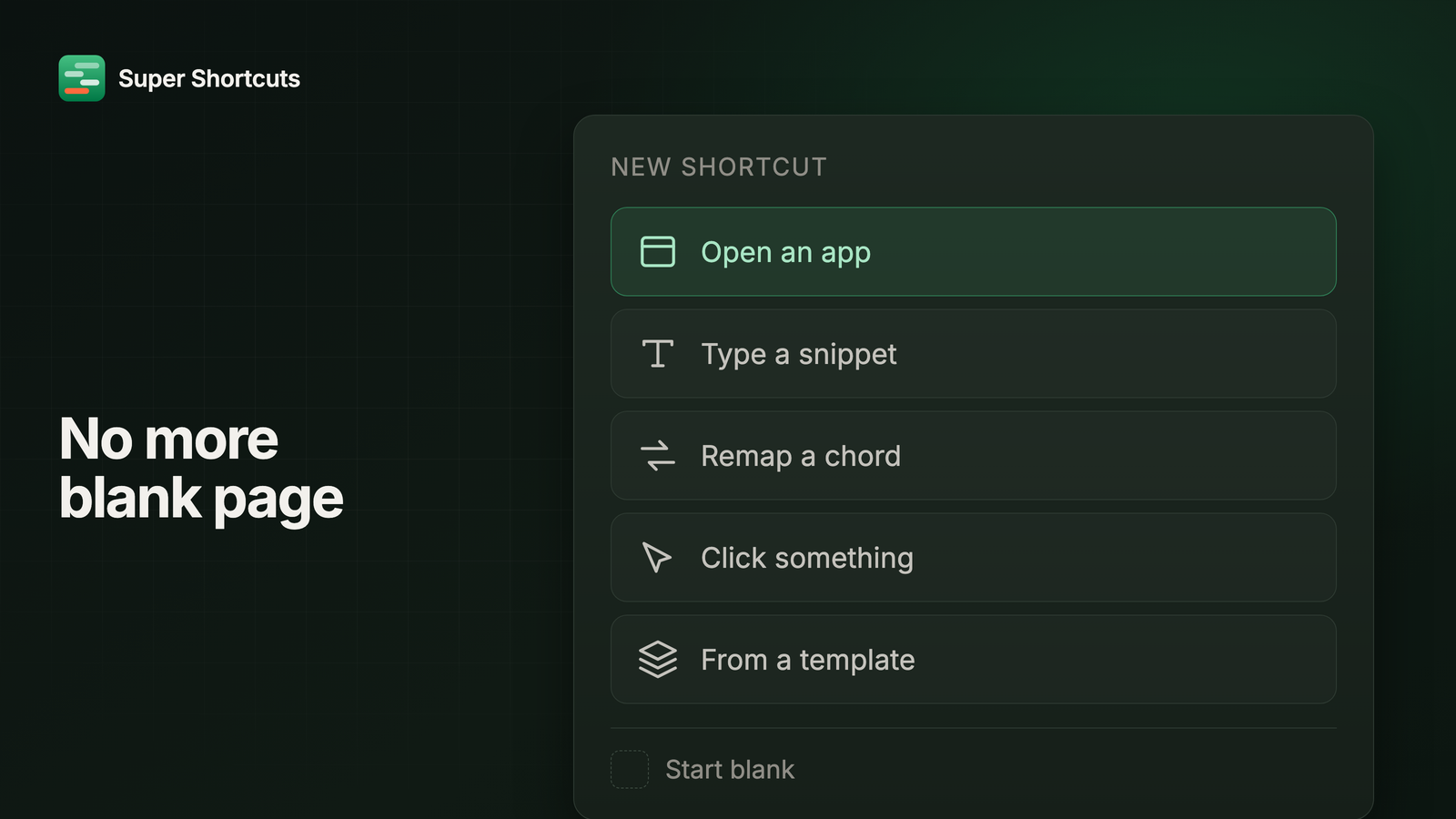
No more blank page
New Shortcut now offers the things people actually make instead of an empty editor, your shortcuts are drawn on a picture of your own Mac keyboard, the editor saves as you go, and everything the app makes is called a shortcut.
Read the release notes →Earlier releases
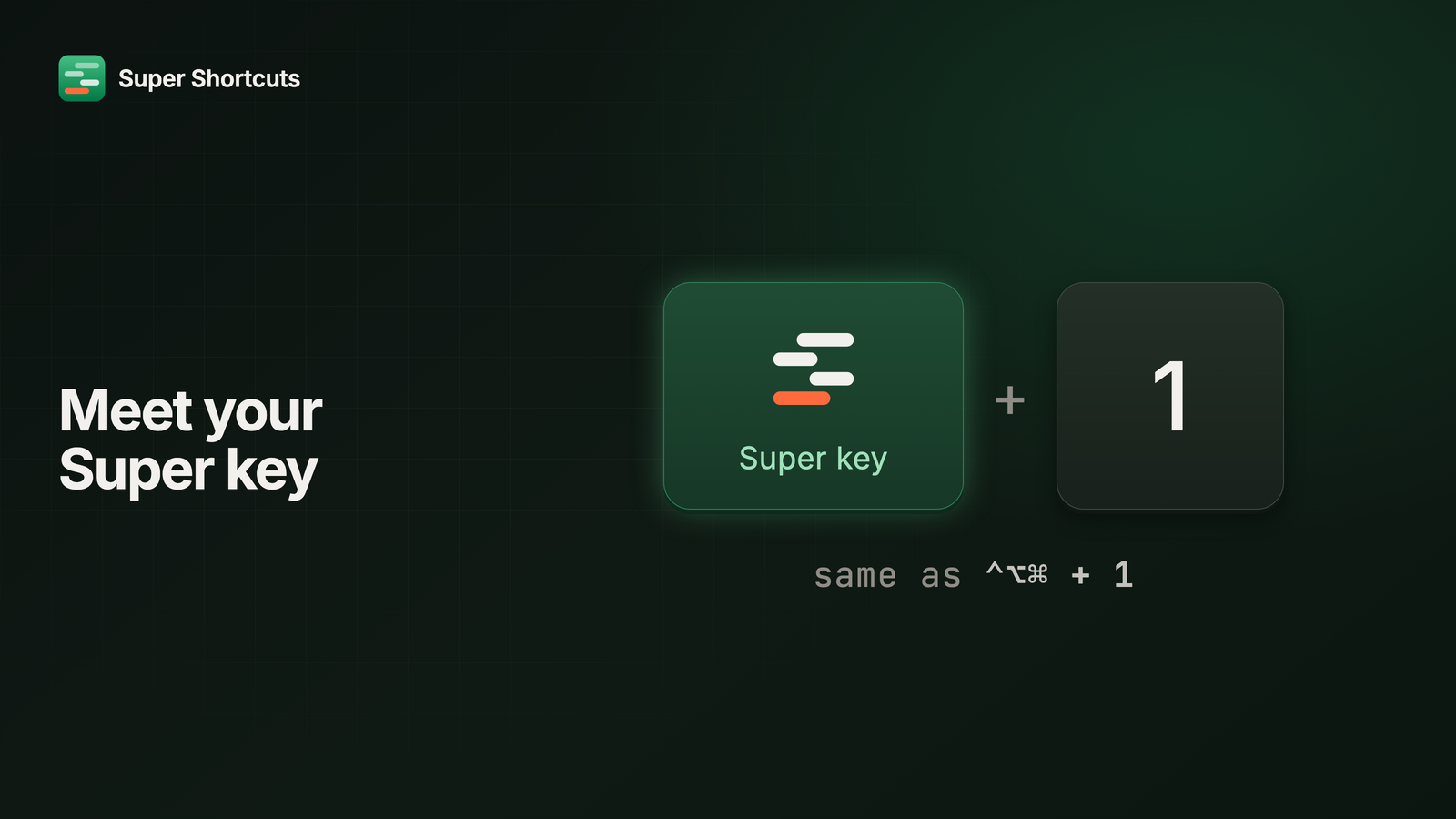 Meet your Super keyThe hyper key has a new name and a symbol of its own, the cheat sheet is now the Shortcut Keyboard, and Super Shortcuts has accounts, with Pro as a monthly or annual subscription.
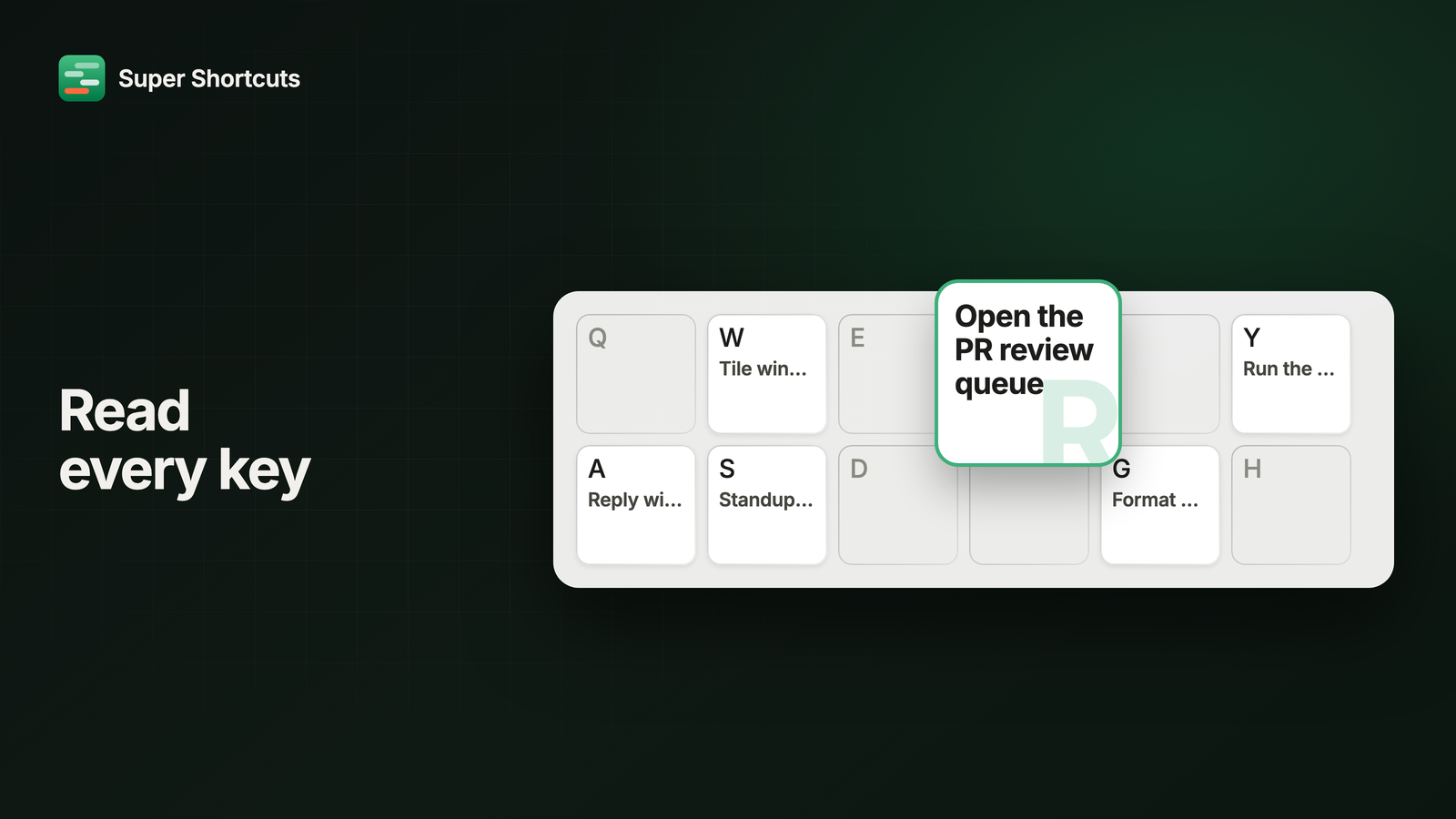 Read every keyYou told us the Shortcut Keyboard felt cramped, so every key now magnifies on hover and shows its whole name. Onboarding explains more, too, and a failed run tells you what went wrong.
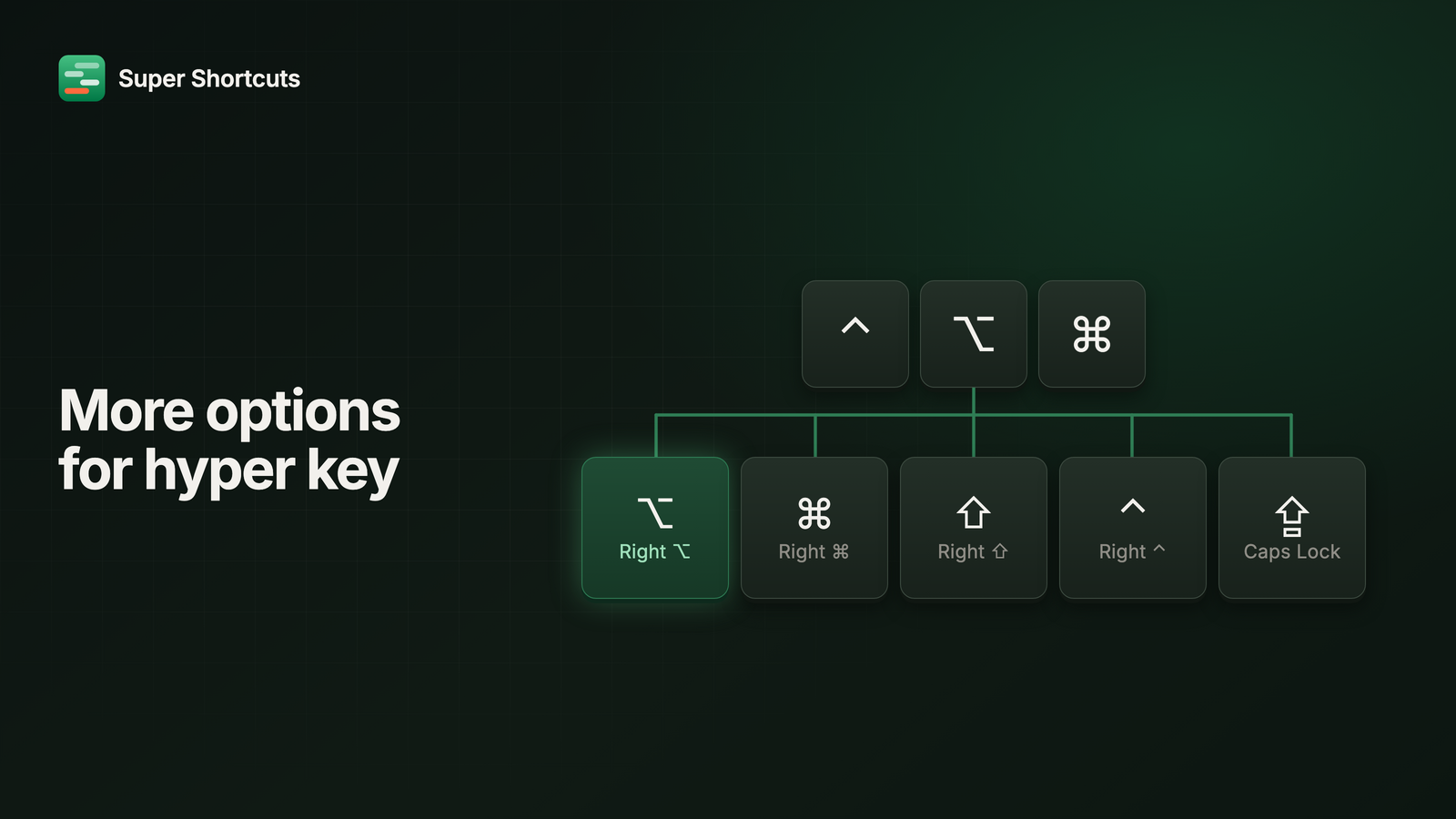 More options for hyper keyCaps Lock is no longer the only way in. Right Option is the new default, and Right Command, Right Shift and Right Control all work too - as many of them as you like, at once.
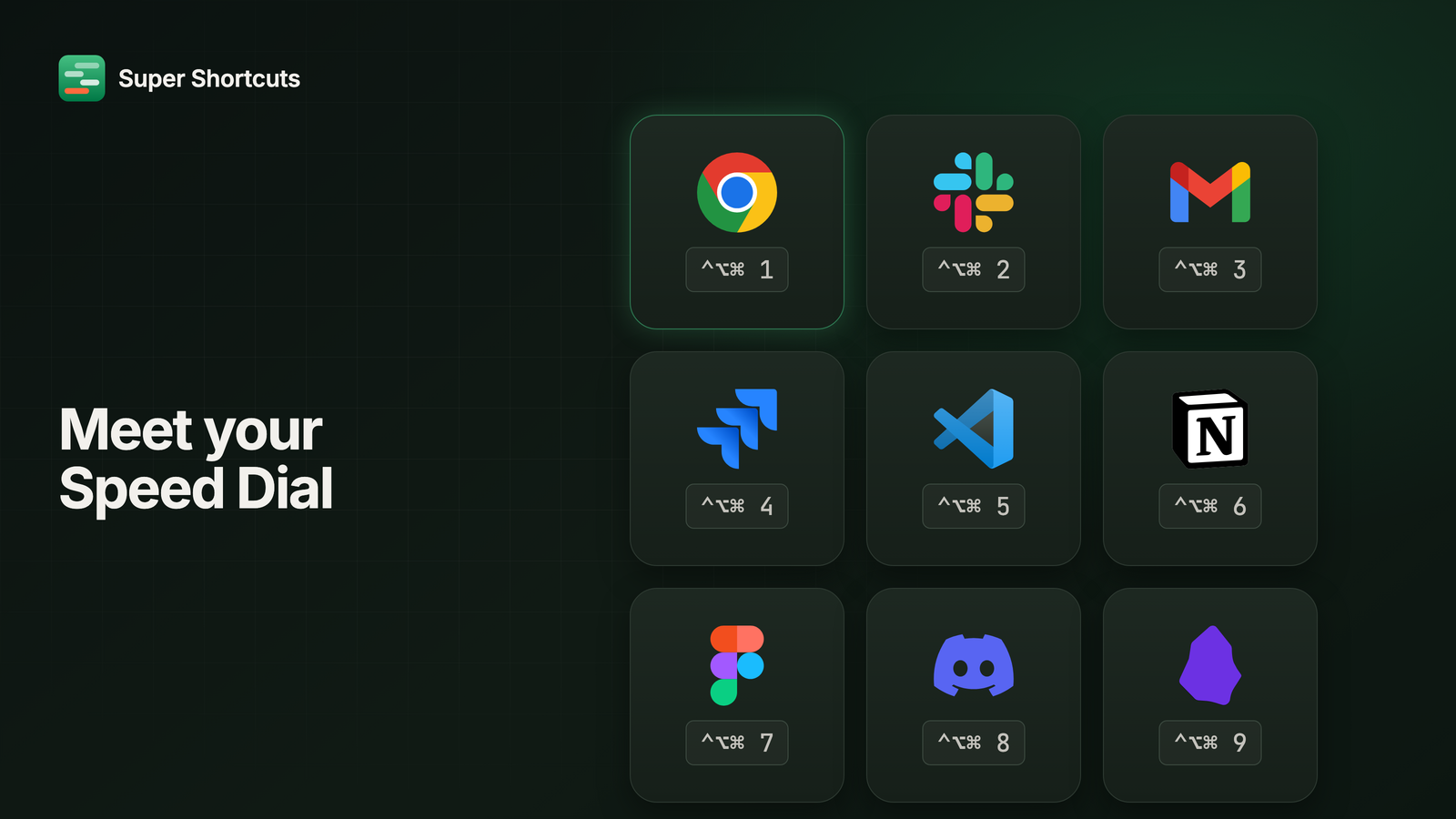 Meet your Speed DialYou use three to five apps all day and still Cmd-Tab to reach them. Speed Dial puts nine of them one keystroke away, set up in about a minute.
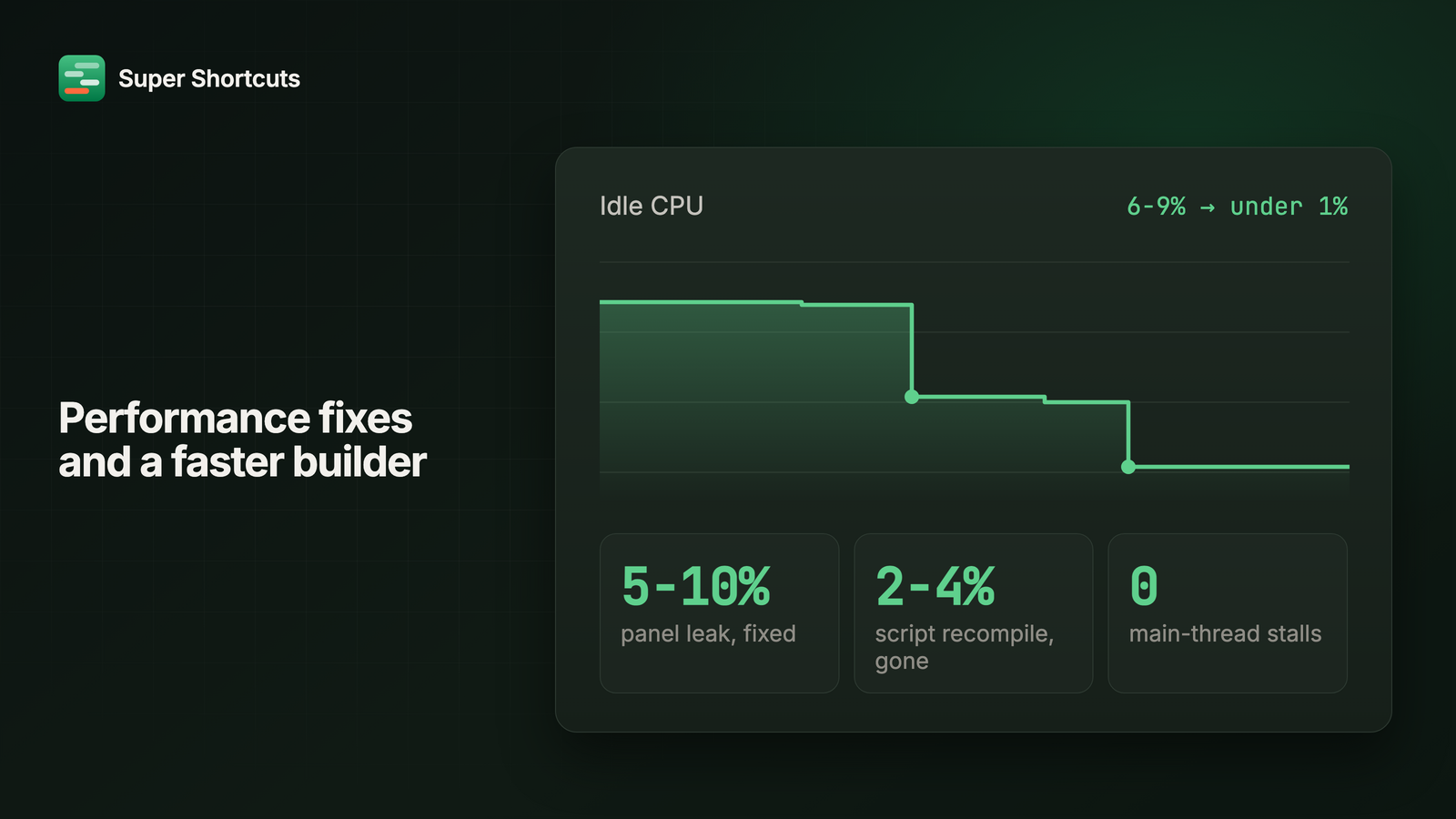 Performance fixes and a faster builderSuper Shortcuts used to idle at 6-9% of a CPU core. Two background leaks later, it sits under 1%. A slow app in front can no longer stall your hotkeys either.
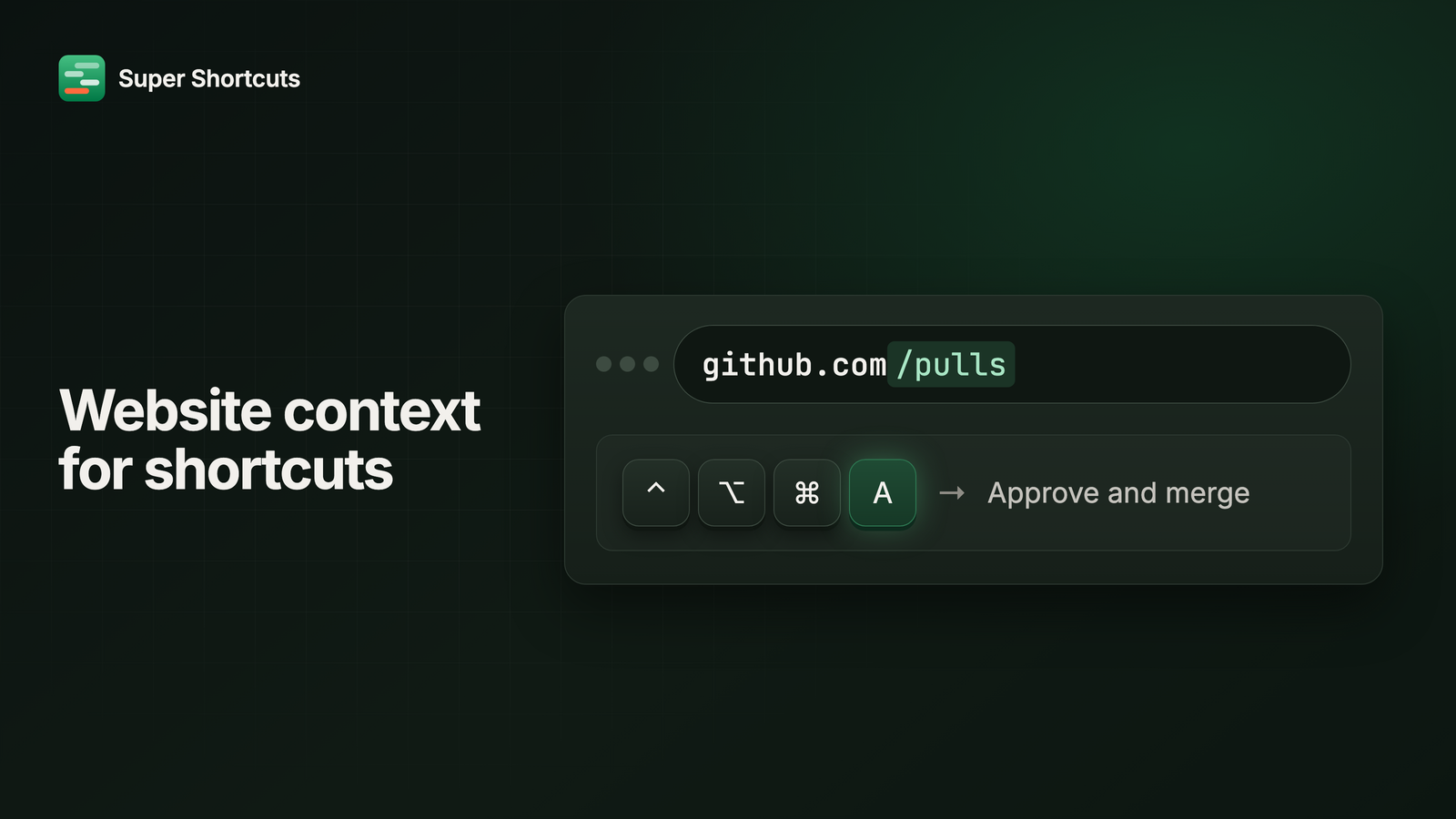 Website context for shortcutsA shortcut can scope to a page, not just a domain. One chord can mean something on github.com/pulls and nothing anywhere else on GitHub.
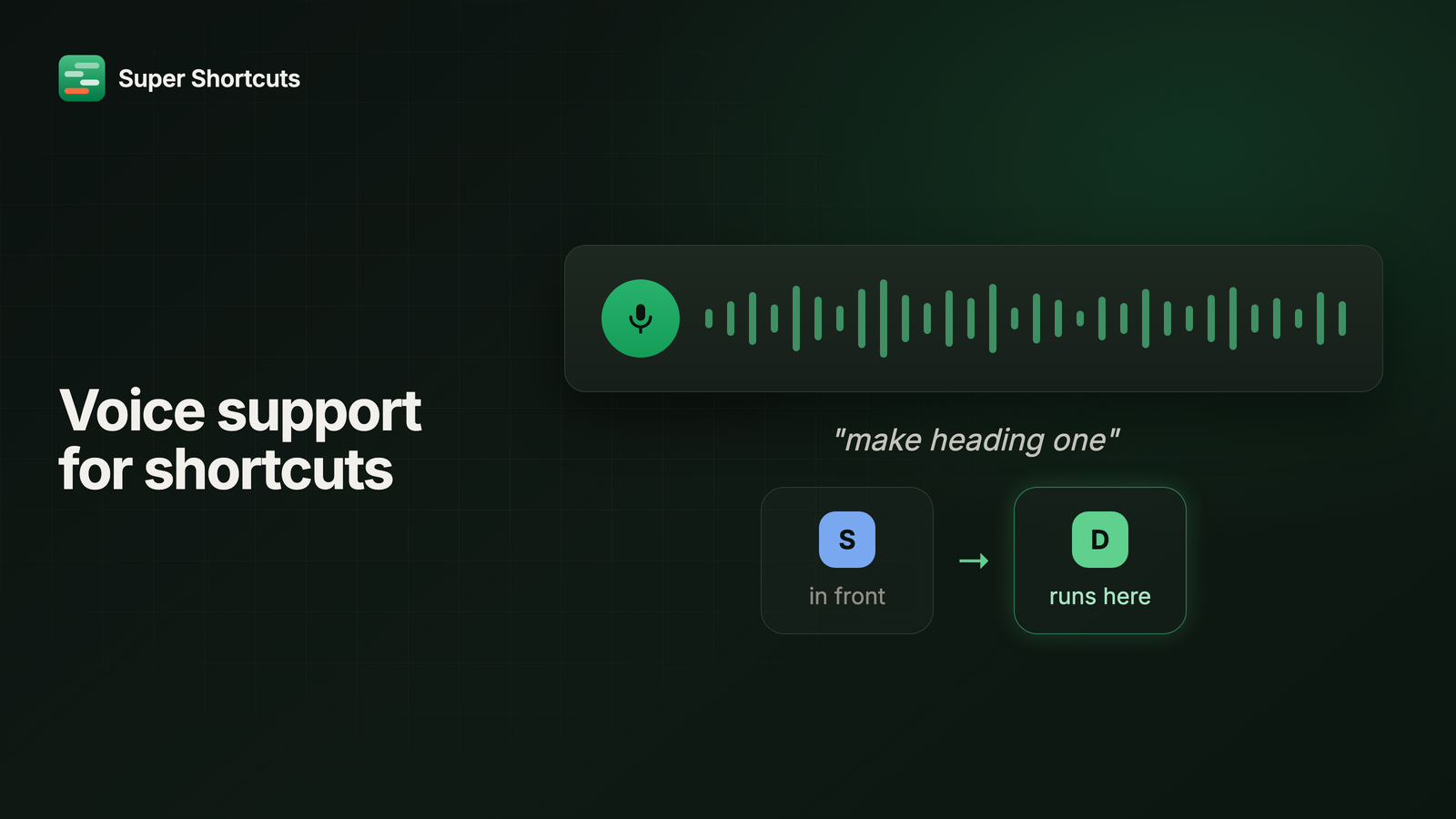 Voice support for shortcutsSay it and it runs, in the right app. Voice commands bring the app a workflow is scoped to forward before they type anything, and every word is transcribed on your Mac, offline.
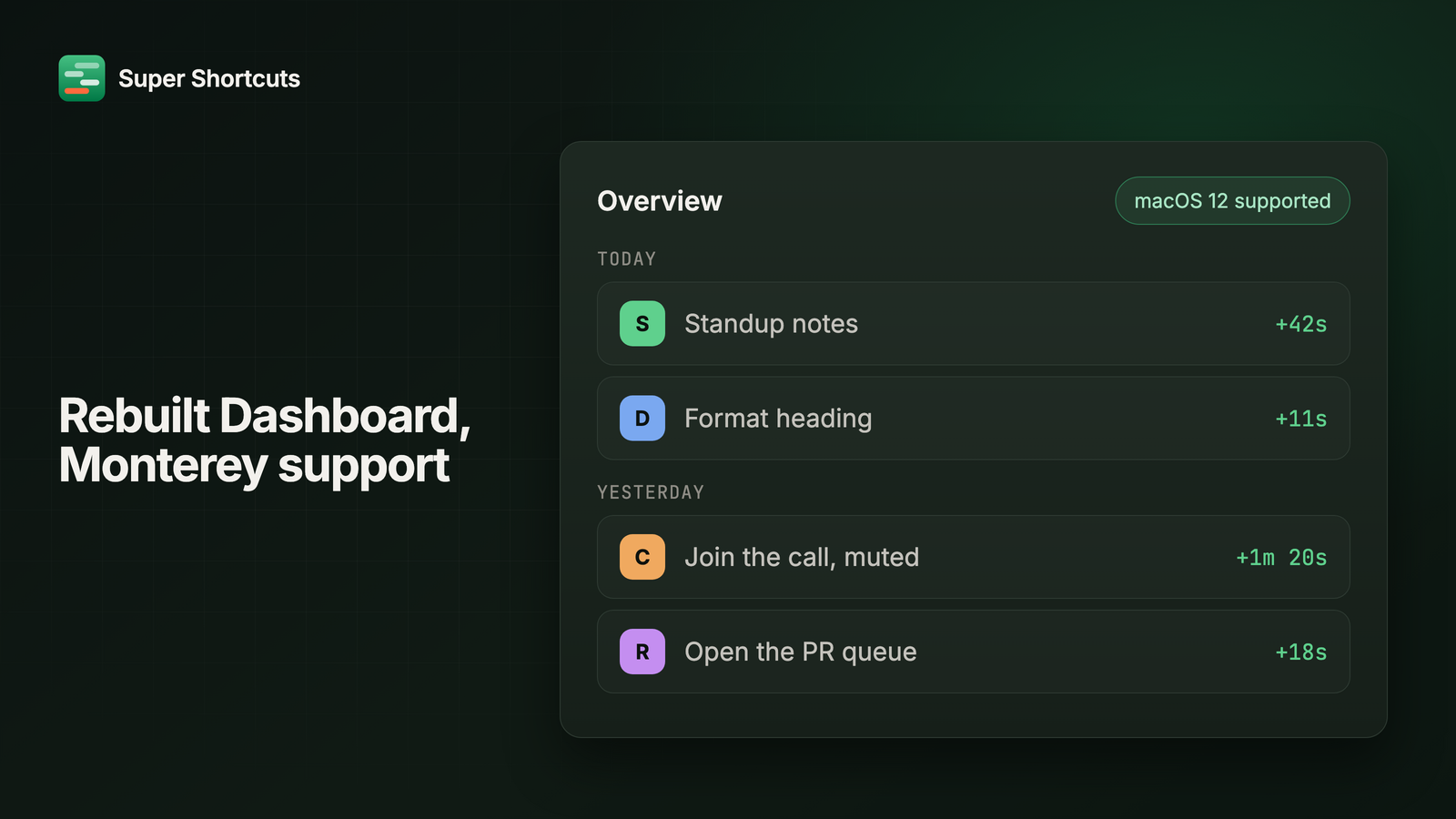 Rebuilt Dashboard and Monterey supportSuper Shortcuts runs back to macOS 12, Home is rebuilt around what you actually ran, the builder gets browser-style Back and Forward, and picking a menu command no longer means typing its path by hand.
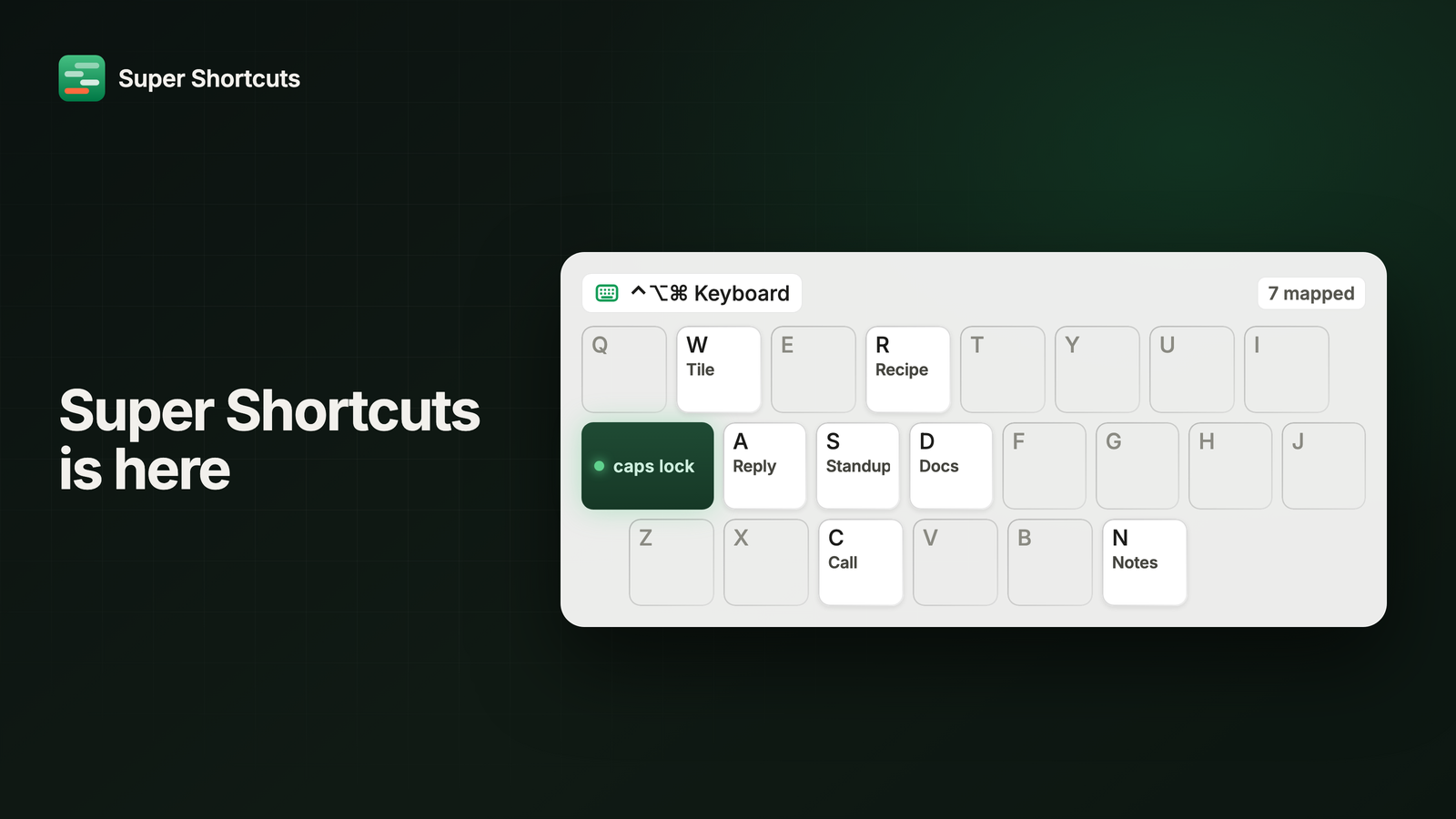 Super Shortcuts is hereThe first release. Automation small enough to be worth it: hold one key, press a letter, and the chore you repeat all day just happens. All of it on your own Mac.