Release notes
Meet your Super key
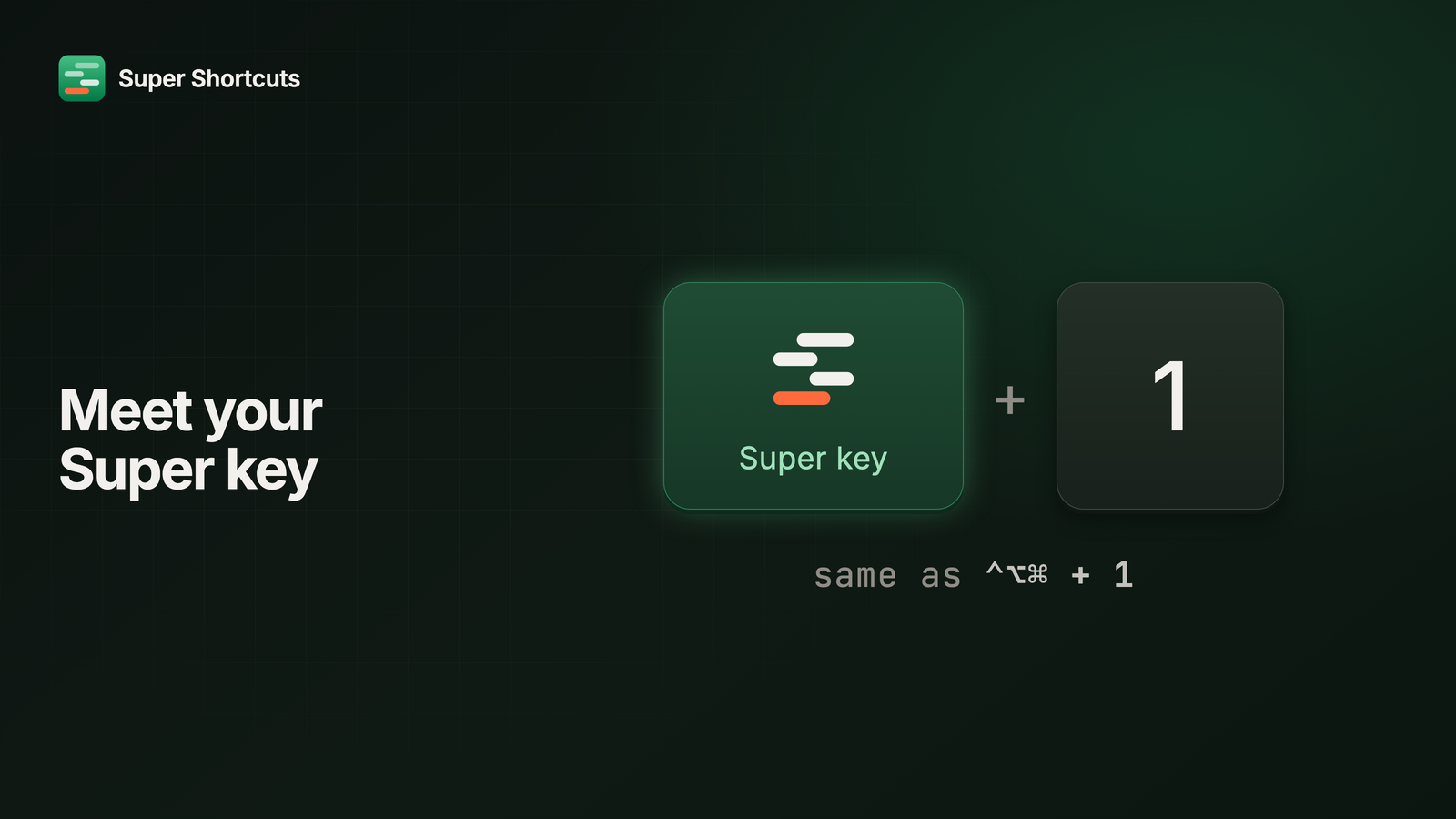
“Hyper key” was a name that needed explaining. It’s a power-user term for a trick most people have never heard of, so every conversation about the app started with a definition before it got to the good part.
So it’s the Super key now. Same key, same hold, same shortcuts you already have. It just has a name that doesn’t need a glossary.
This release also gives Super Shortcuts accounts, and turns Pro into a subscription. More on both below.
A symbol of its own
The Super key used to show up as three modifier symbols, ⌃⌥⌘, which is what it
sends but not what you press. Now every shortcut that uses it carries its own
symbol, the four bars from our logo, so Super key + 1 looks the same in
Settings, on the Shortcut Keyboard, and in first run. You read one key, not
three.
The cheat sheet is now the Shortcut Keyboard
While you hold the Super key, every key with a shortcut on it shows its name. We called that the cheat sheet, which describes something you read. What it actually is: a keyboard you press, where each key does something you chose. So that’s its name everywhere in the app and in Help.
Sign in once
The app now wants a sign-in, with an email code, Google, or Microsoft. The account exists so Pro can move with you from one Mac to the next, and it’s where you manage your plan. What it stores is your email, the plan you’re on, and which Macs have signed in to it. Your workflows aren’t part of it: they stay on your Mac, and they run there.
Pro is a subscription
Pro is now monthly or annual, bought inside the app, and it starts with a 7-day free trial. Free is still a real tier: up to 20 automations, every action, the Super key and the Shortcut Keyboard. Pro takes the cap away and adds Voice, the Element Inspector, and the full template library.
If a subscription ends, nothing you built gets deleted. Anything over the free cap keeps its data and waits until you’re back under it, or back on Pro.
Bought it before? It’s yours for life
If you paid for a license before subscriptions, that purchase is lifetime Pro. Sign in with the email you bought with and it attaches itself. Used a different address? Choose Redeem your license key on the sign-in page and paste the key from your receipt.
The sign-in and Pro guide covers the details, from the trial to cancelling.