Guides
Make your Mac do what you mean.
Practical guides to the Super key, remembering your shortcuts, and automating the small things you repeat all day - local, offline, yours.
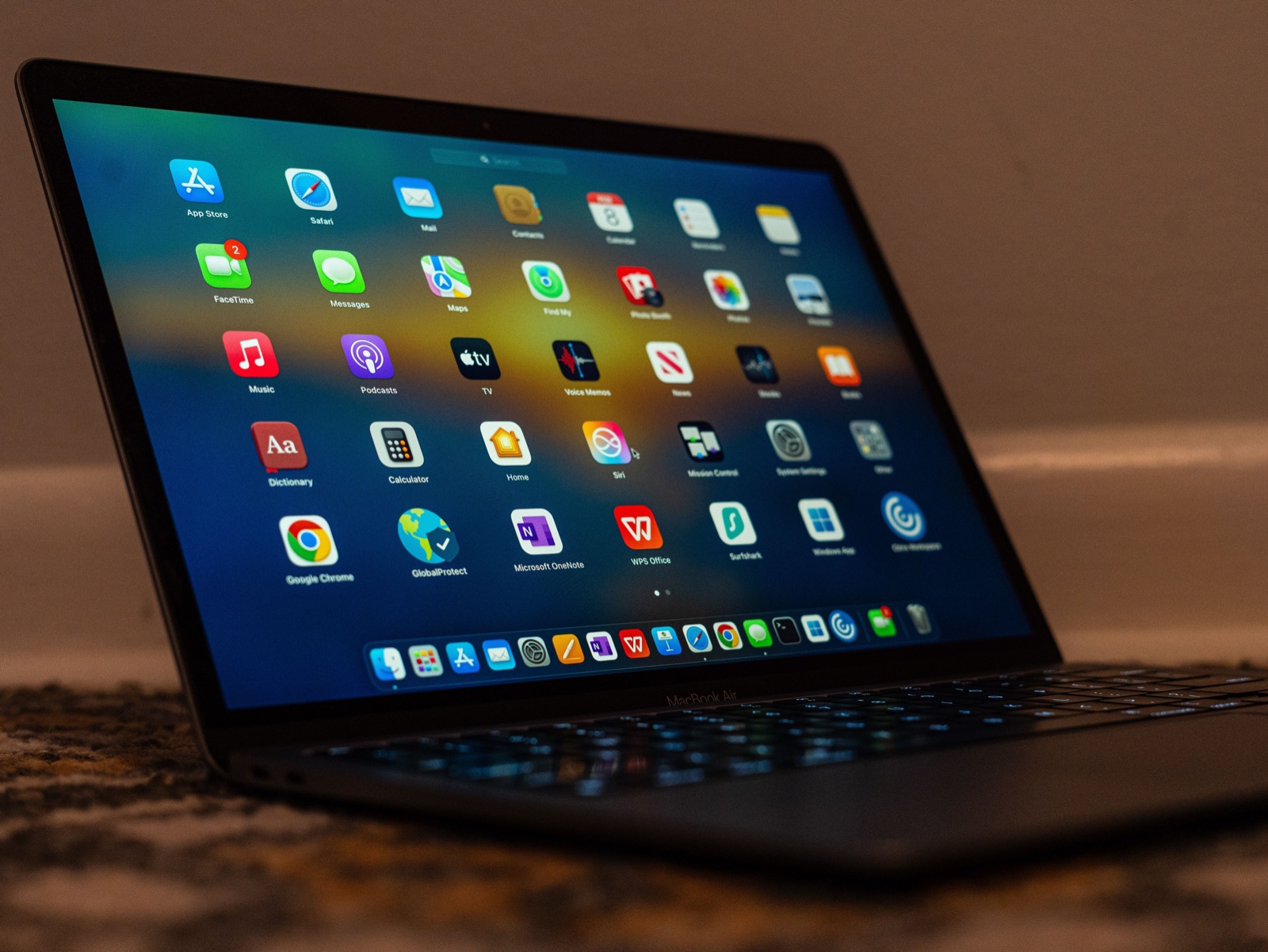 Mac Automation Apps ComparedKeyboard Maestro, Raycast, Alfred, Hazel and BetterTouchTool do different jobs, not the same job. What each is for, what it costs, and what to run together.
 Mac Automation Without CodeAutomate most of a Mac without writing code: what Shortcuts, Automator and Quick Actions each cover, the free tools worth adding, and where no-code stops.
 Create a Custom Keyboard Shortcut on MacAdd your own shortcut to any app's menu command in System Settings → Keyboard → Keyboard Shortcuts → App Shortcuts. The exact steps, the rules, and the limits.
 Fix Mac Keyboard Shortcuts Not WorkingWhy a Mac keyboard shortcut stops working - conflicts, missing permissions, wrong app focus, remapped modifiers - and how to find which one it is, in order.
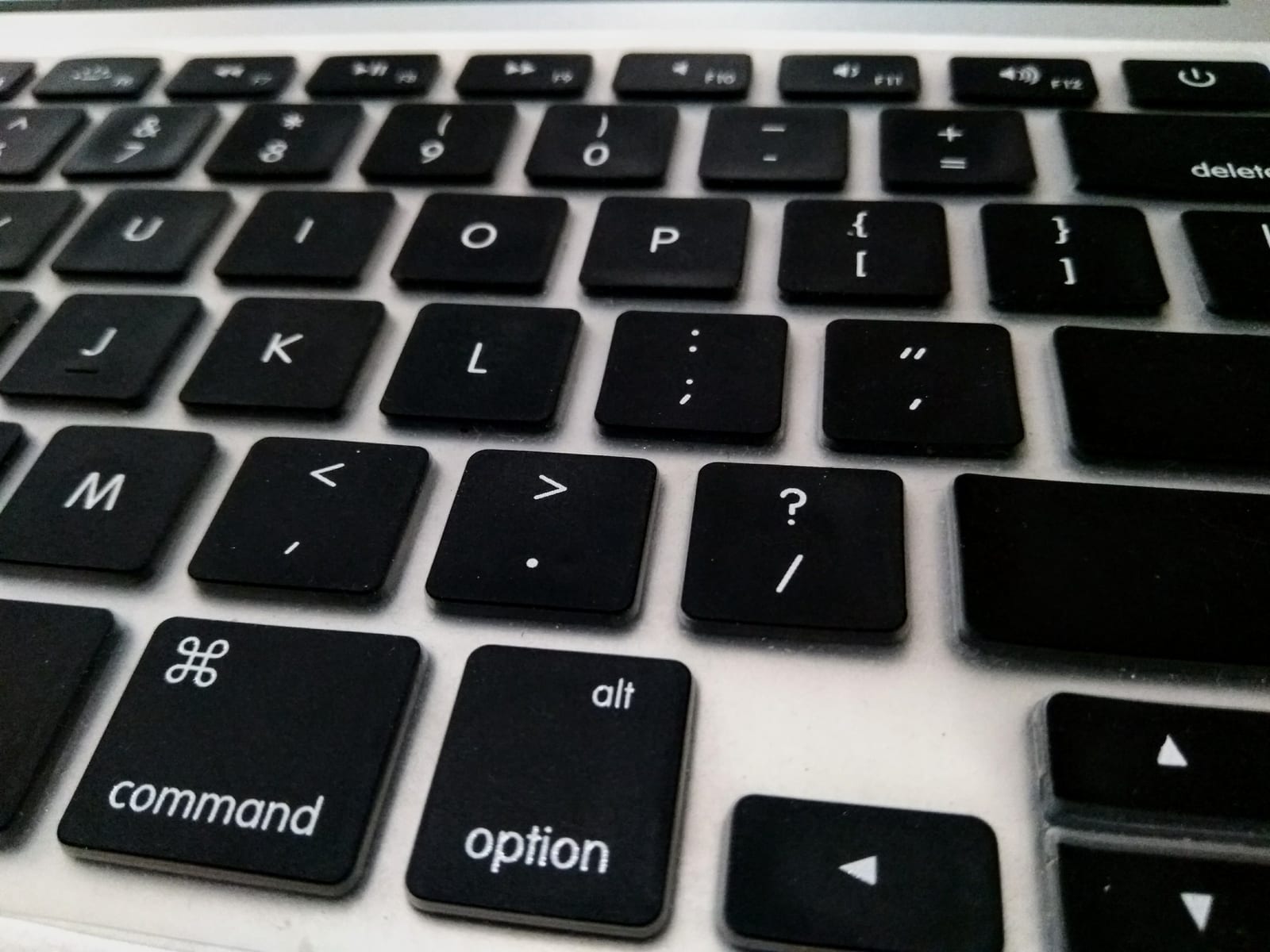 Launch Mac Apps With a Keyboard ShortcutSpotlight is a search box, not a launcher. How to bind your most-used Mac apps to single key presses so switching takes one keystroke instead of four.
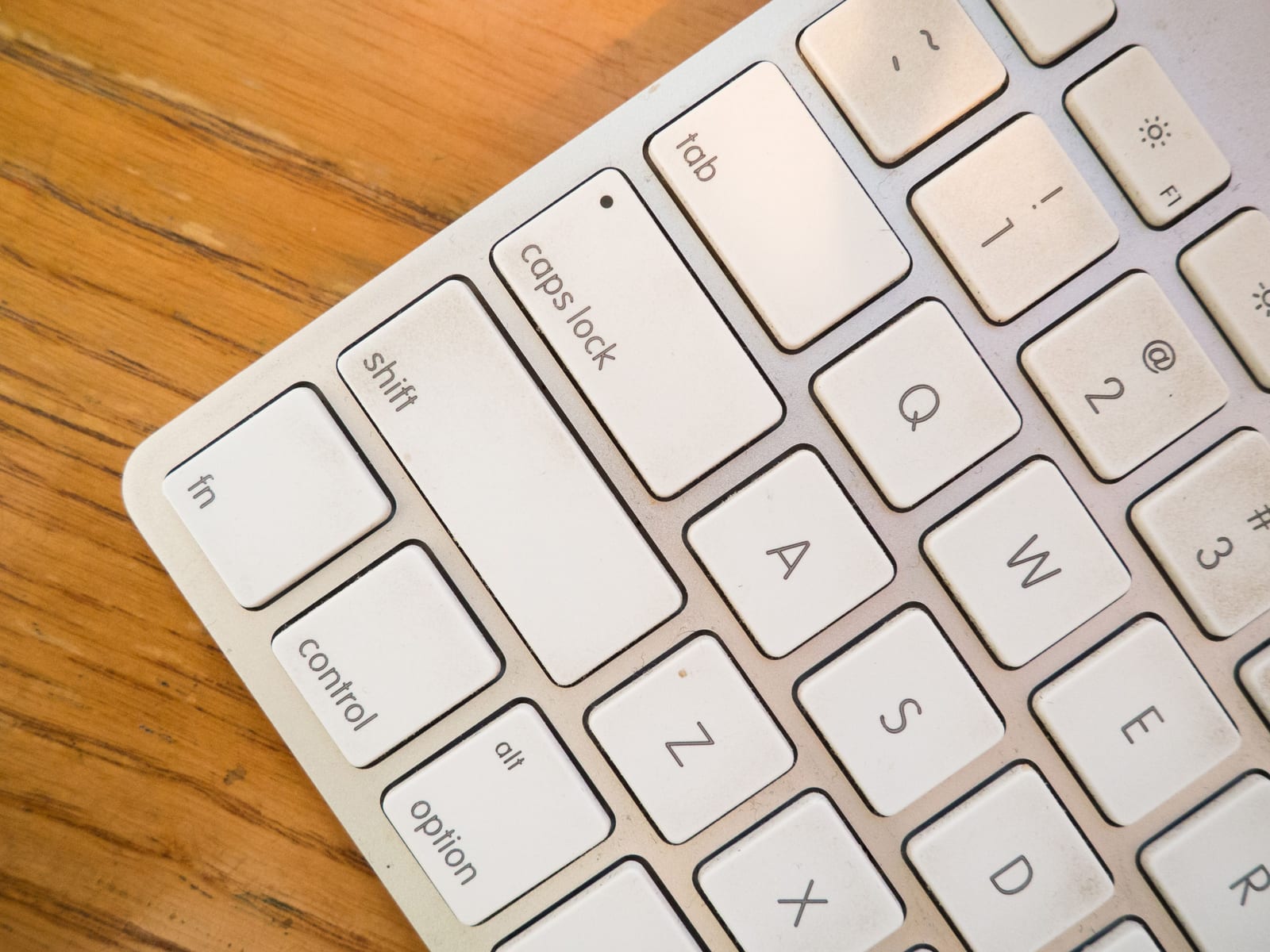 Mac Keyboard Symbols: What ⌘ ⌥ ⌃ ⇧ Mean⌘ is Command, ⌥ is Option, ⌃ is Control, ⇧ is Shift. A full chart of the Mac modifier and key symbols, what each one is called, and how to read them.
 Context-Aware Shortcuts on Mac, ExplainedA context-aware shortcut changes what it does based on the app or website you're in. What they are, why one chord beats twenty, and how to set them up.
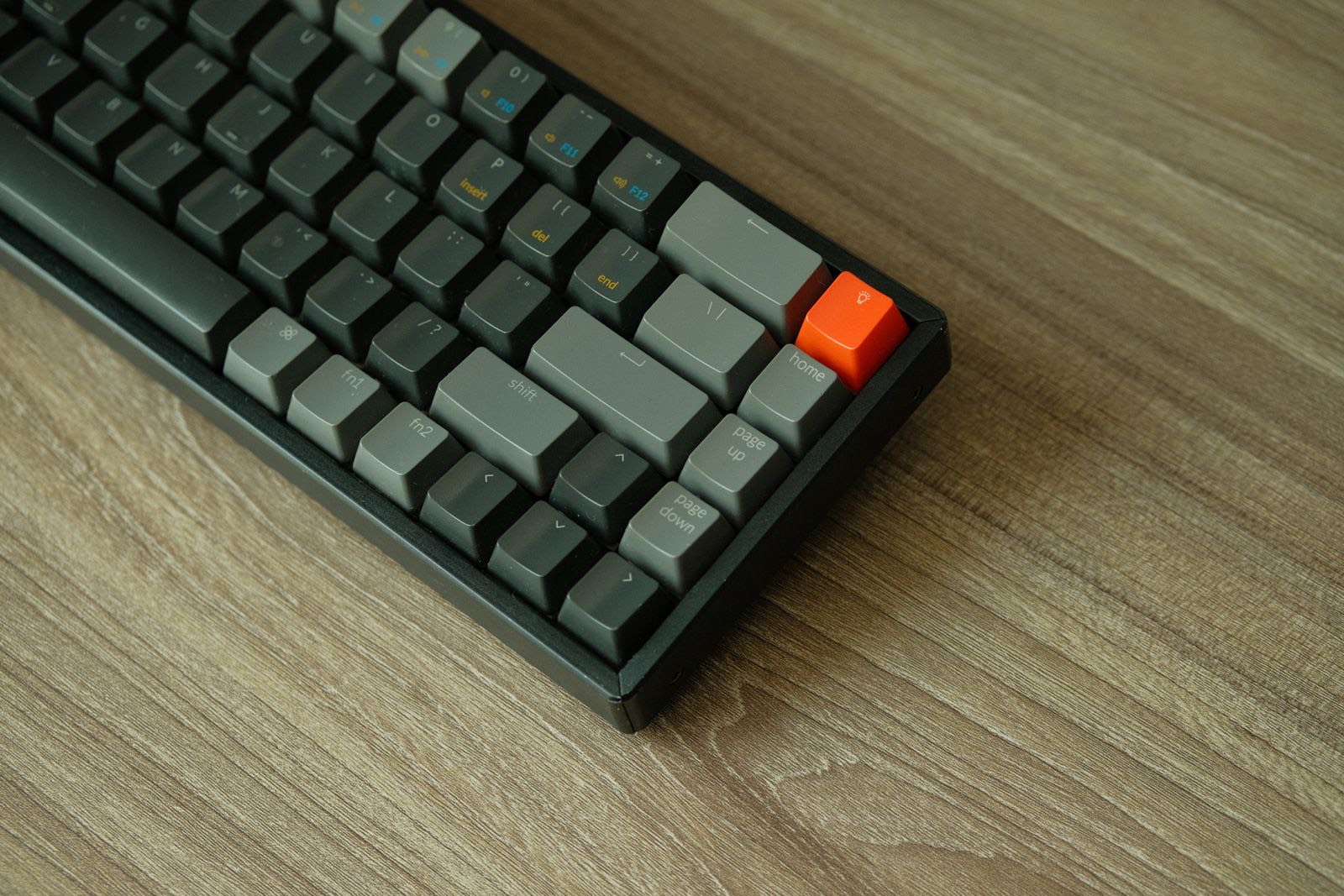 A Keyboard Layout for Unlimited ShortcutsPut global commands on the number and function keys, app commands on the letters, and a second layer on Shift. One Super key, 44 global plus 66 per app.
 Remap Mac Shortcuts Instead of MemorizingDefault shortcuts fit someone else's menu, not your memory. Remap them to natural cues - M for mute, R for reply - and recall stops being work. Here's how.
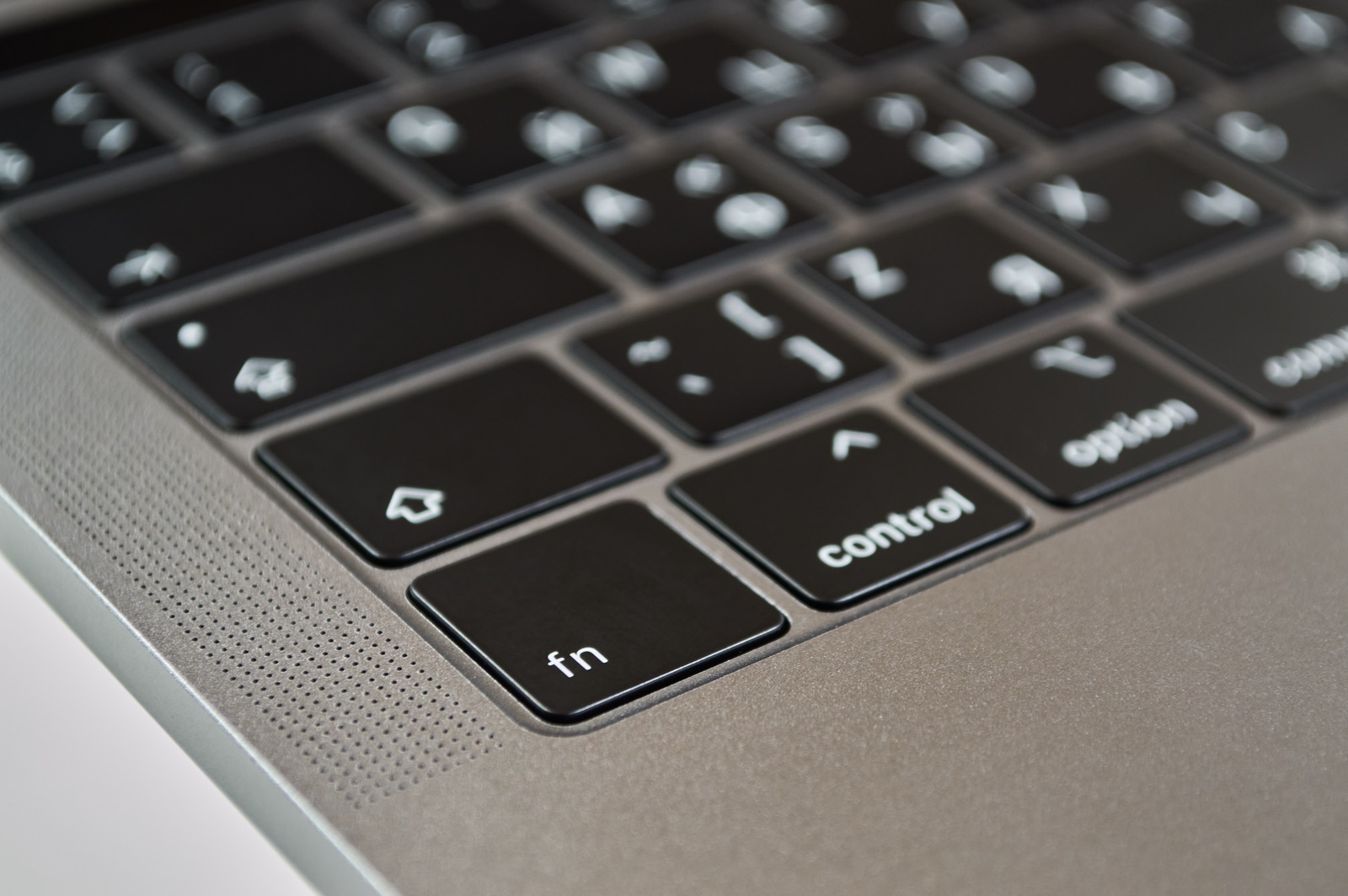 Mac Super key: Remap Caps Lock on macOSThe Super key turns one key - Caps Lock or Right Option - into ⌃⌥⌘, a modifier combo no app uses. What it is, why it's worth it, and how to set one up.