Release notes
Website context for shortcuts
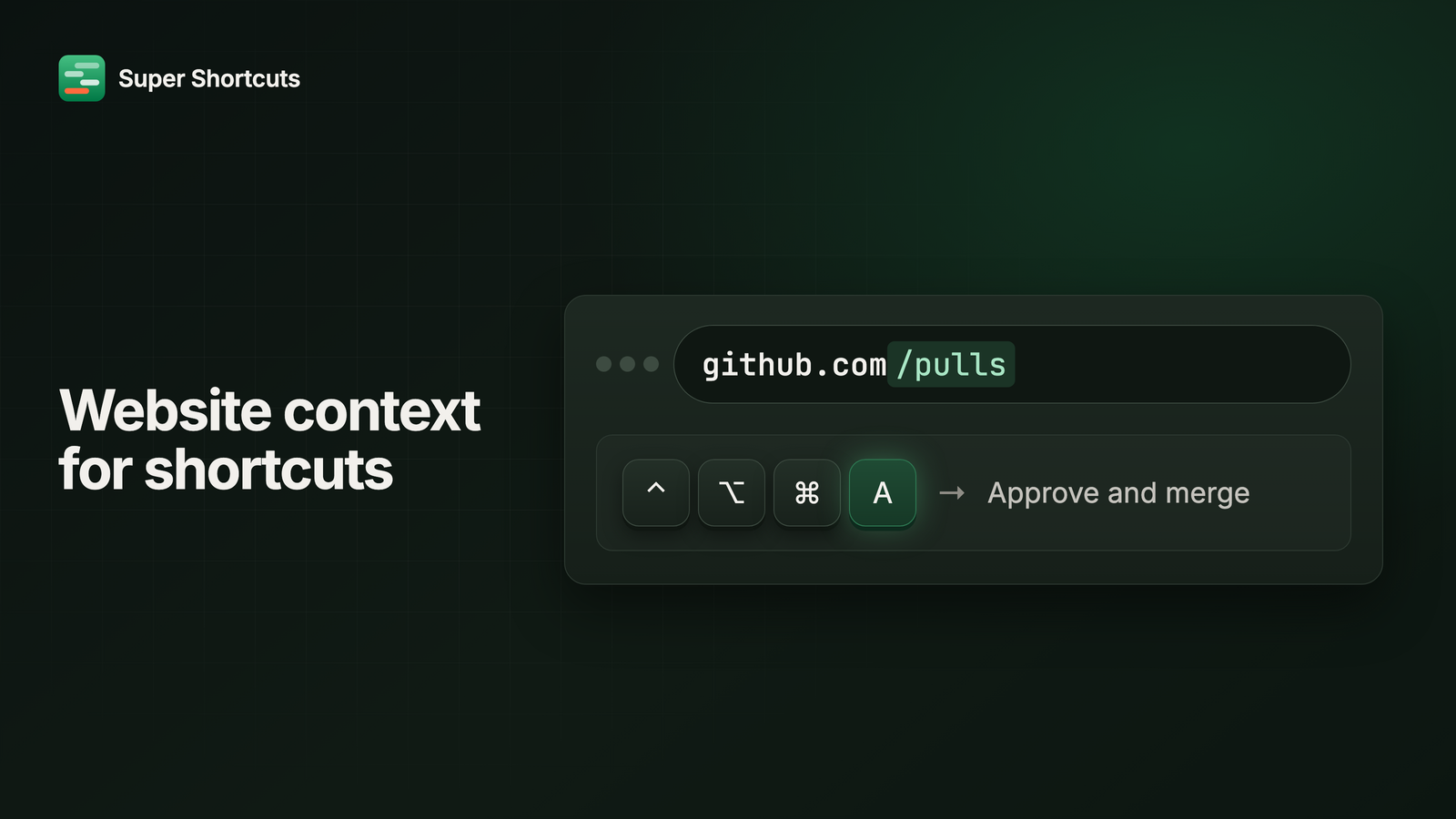
Scoping a shortcut to a website used to stop at the domain. Point one at
github.com and it fired everywhere on GitHub: the pull request list, an issue,
somebody’s profile, your account settings.
Now it can scope to a page.
Scope to a page, not a whole site
github.com still matches everything under it. github.com/pulls matches only
the pull request screens.
That’s the difference between picking a chord that has to be safe on every page of a site, and picking one that means exactly the right thing in the one place you use it. The key that means “approve” where approving makes sense can mean nothing at all everywhere else.
Super Shortcuts also only looks at your browser when one of your shortcuts actually needs it to. If nothing in your setup is scoped to a website, it never asks and never looks.