Release notes
Meet your Speed Dial
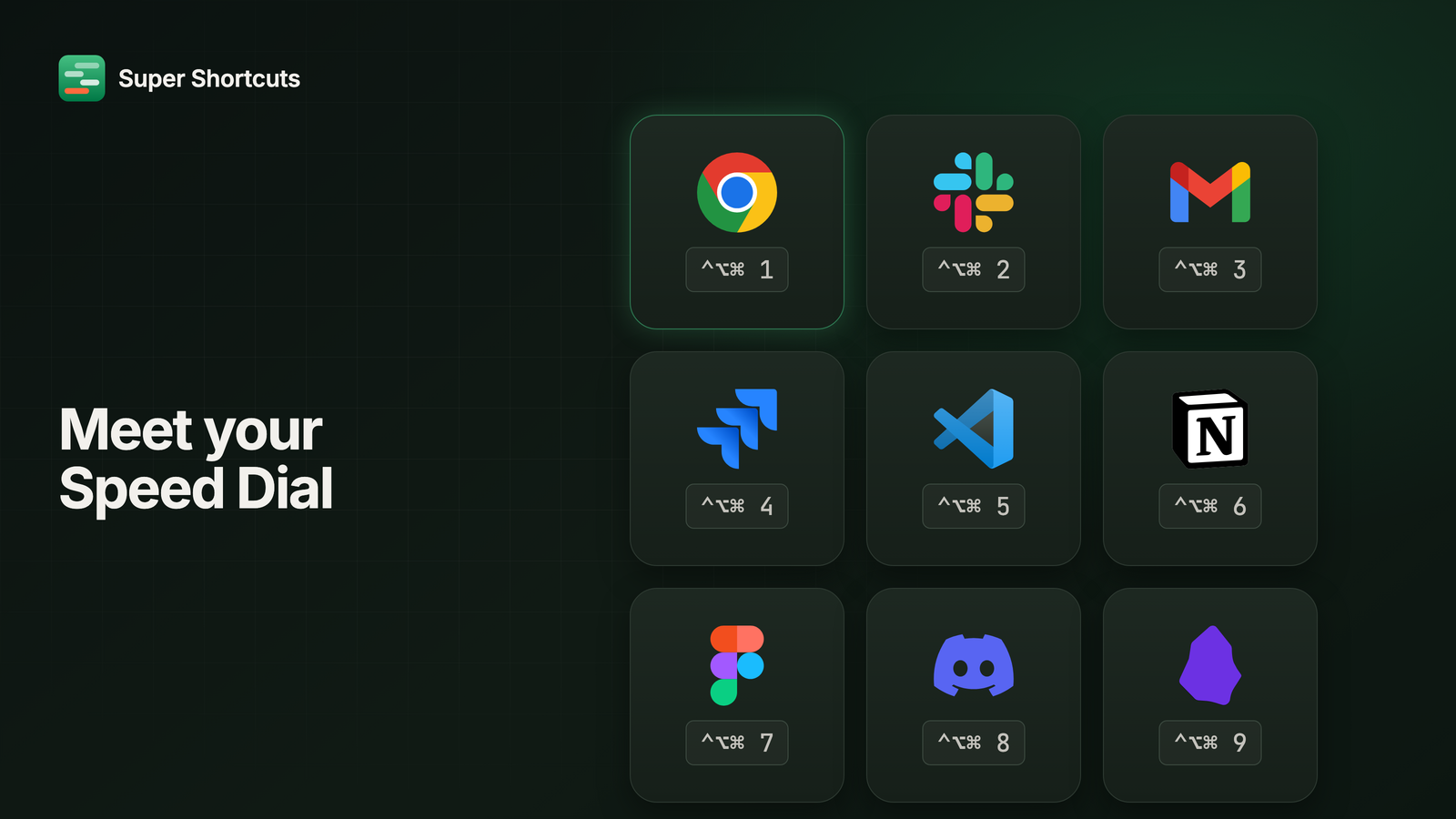
Count the apps you actually use in a day. For most people it’s three to five. The same browser, the same editor, the same chat app, the same calendar. Over and over.
And you still Cmd-Tab to reach them. Three presses, four, five, watching a row of icons go past, to land on an app you’d already decided you wanted before you started pressing. That’s running a search for an answer you already have.
Speed Dial is one keystroke instead.
Nine apps, nine keys
Pick up to nine apps and give each one a key on your hyper layer. Hold, press, and that app is in front. No cycling, no watching, no overshooting by one and going round again.
It takes about a minute to set up, and it’s the fastest route there is from installing Super Shortcuts to using it every single day.
Templates arrive unbound
Templates used to come with their trigger shortcuts already assigned: chords you never picked, which is how people ended up with collisions they didn’t create. Now the actions come ready and the key is yours.
Which puts the weight on making that quick. So a workflow that has actions but no trigger says so, with an Add trigger button that opens a recorder already listening, already suggesting a chord that’s free. Press the keys you want and it’s bound.