Blog
I made Caps Lock my Super key for a month
By Mike Le
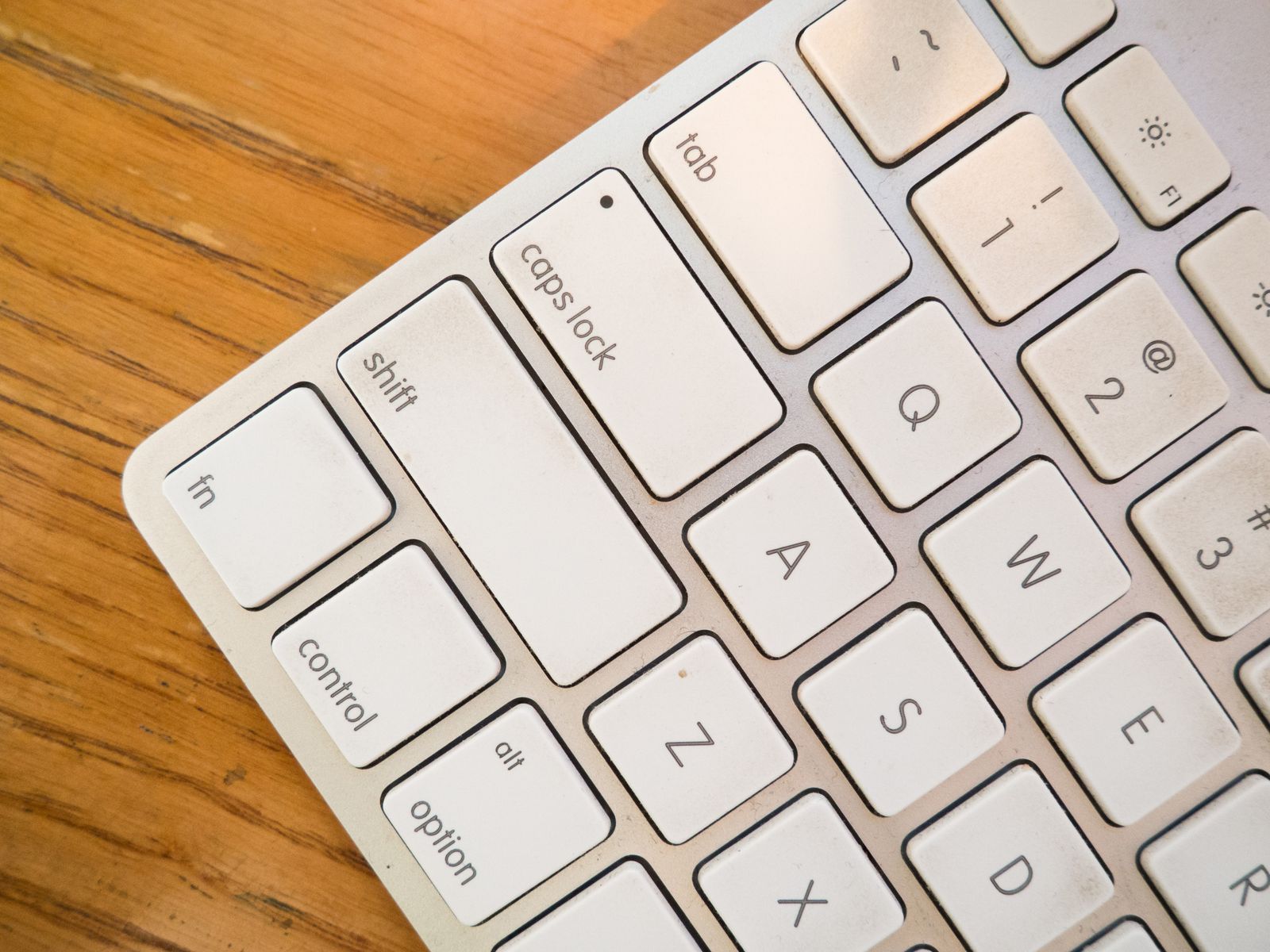
Caps Lock is prime real estate doing nothing. It sits right on the home row, under your strongest finger, and its entire job is to occasionally ruin an email. So a month ago I did the obvious thing and gave it a real job: I made it my Super key and used it as my command layer for thirty days straight. No falling back to the mouse for the things I’d bound. Here’s how it actually went.
Week 1: clumsy, and a little humbling
The first few days were worse than I expected. Not because the Super key is hard, but because my hands had thirty years of habits and none of them involved Caps Lock. I’d reach for it and then blank on what I’d mapped. I’d fire the wrong chord. I’d catch myself going for the mouse out of pure reflex and have to stop.
The thing that saved week one was the Shortcut Keyboard. Hold the Super key and a panel drops over your keyboard showing exactly what’s bound right now. So I never had to remember under pressure - I just held the key, glanced, and let go. It turns learning a new layer from “memorize a list” into “look it up for a second, every time, until you don’t need to.” That difference is the whole game.
Week 2: it stops being a decision
Somewhere around day ten, something shifts. You stop deciding to use the Super key and start just using it. I noticed it first with the small, dumb stuff - the actions I do dozens of times an hour without thinking. Mute. Switch. Open the doc. Those moved from “reach, aim, click” to a single press before my conscious brain had filed a request.
This is the part nobody tells you about keyboard fluency: the win isn’t that any one action is dramatically faster. It’s that the friction disappears. A few hundred tiny hesitations a day, gone. You feel it as a kind of quiet - less mousing around, less hunting through menus, fewer little interruptions between you and the thing you meant to do.
Week 3-4: the point of no return
By the back half of the month I’d stopped looking at the Shortcut Keyboard for my common chords entirely. My hands knew them. And I hit the moment that makes this stick: I sat down at a Mac that wasn’t mine, reached for Caps Lock to do something, and nothing happened. I actually felt the absence. That’s when you know it’s load-bearing.
I’m not going back. Not because of a benchmark - because the alternative now feels slow and noisy in a way it didn’t before I knew better.
What I actually learned
The experiment was about Caps Lock, but the lessons weren’t about the key:
- The key is just a door; the layer is the point. Caps Lock matters only because it’s well-placed and otherwise wasted. What matters is that it opens a collision-free command layer - a modifier stack that virtually nothing else claims - so whatever you bind is yours alone.
- The Shortcut Keyboard beats memorization. The reason my first month as a keyboard person years ago was brutal, and this one wasn’t, is discovery. Being able to look without breaking flow is what carries you from clumsy to fluent.
- One mapping, not one per app. The chords that stuck fastest were the ones that meant the right thing everywhere I went. That’s a bigger idea than it sounds, and it’s worth its own post: why one key should mean different things in different apps.
If you’ve got a Caps Lock key gathering dust - which is to say, if you have a Mac - it’s worth the thirty days. Start with the Mac Super key guide, or just download Super Shortcuts and let the Shortcut Keyboard carry you through week one.